
OhAPI
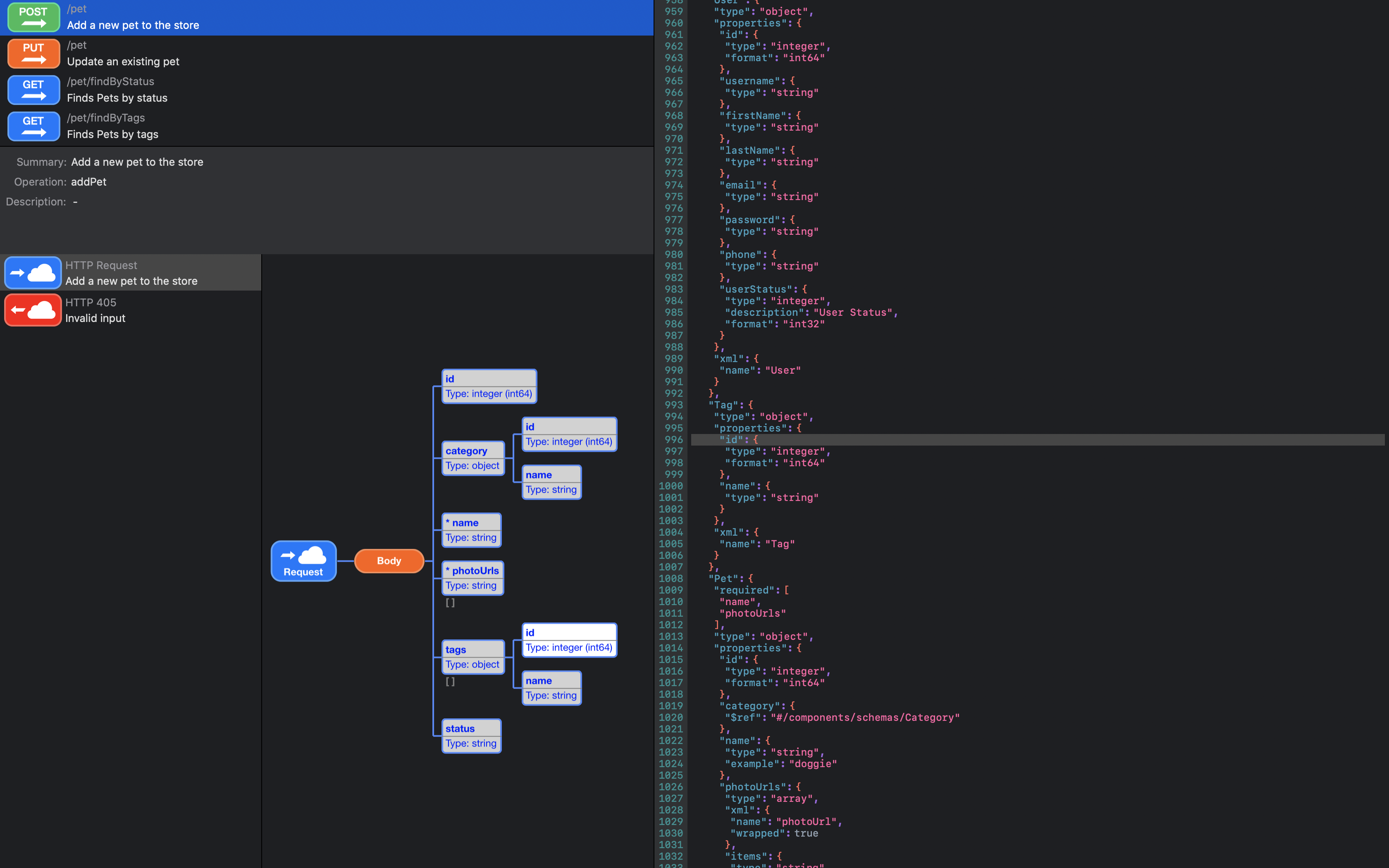
A native macOS application for developers and API architects. Visualize, navigate, and understand complex OpenAPI specifications through interactive tree diagrams, syntax-highlighted code, and a structured operation browser.

Key Features
Built with AppKit and Swift, OhAPI delivers a fast, native experience that feels right at home on macOS.
Interactive Tree Visualization
Transform your API spec into a rich, interactive tree diagram with color-coded nodes, expand/collapse controls, and smooth animations.
Syntax-Highlighted Code Viewer
View your raw specification with full JSON and YAML syntax highlighting, line numbers, and source-location sync with the tree.
Operation Browser
Browse all API operations listed by HTTP method and path. View summaries, operation IDs, and explore request and response definitions.
Reference Resolution
Navigate deeply nested $ref pointers throughout the specification with automatic cycle detection. Supports both OpenAPI 3.x and Swagger 2.0 references.
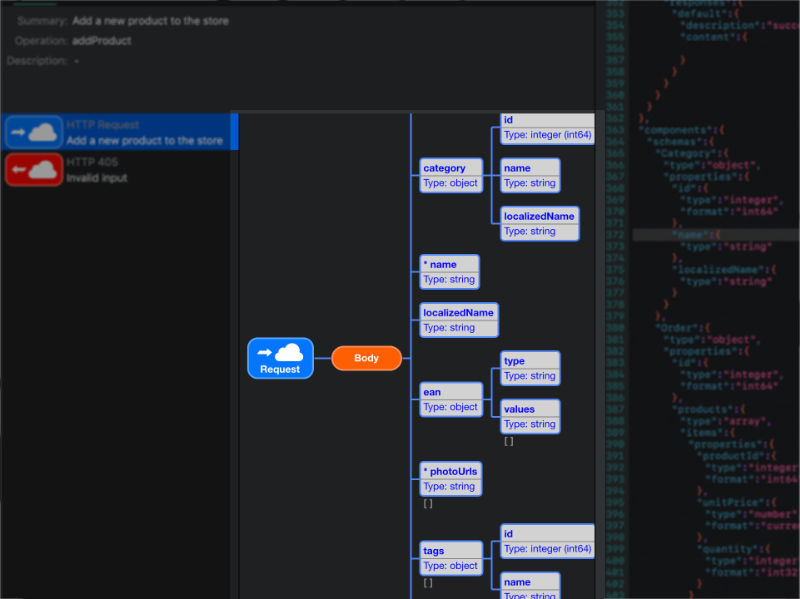
Interactive Tree Visualization
Transform your API specification into a navigable, interactive tree diagram. Each element type is rendered as a distinct, color-coded node for instant recognition.
- Expandable/Collapsible nodes — Focus on what matters
- Click-to-select — Highlights the corresponding source code
- Smooth animations — Polished tree transitions
- Reference navigation — Click $ref nodes to jump to definitions
Syntax-Highlighted Code Viewer
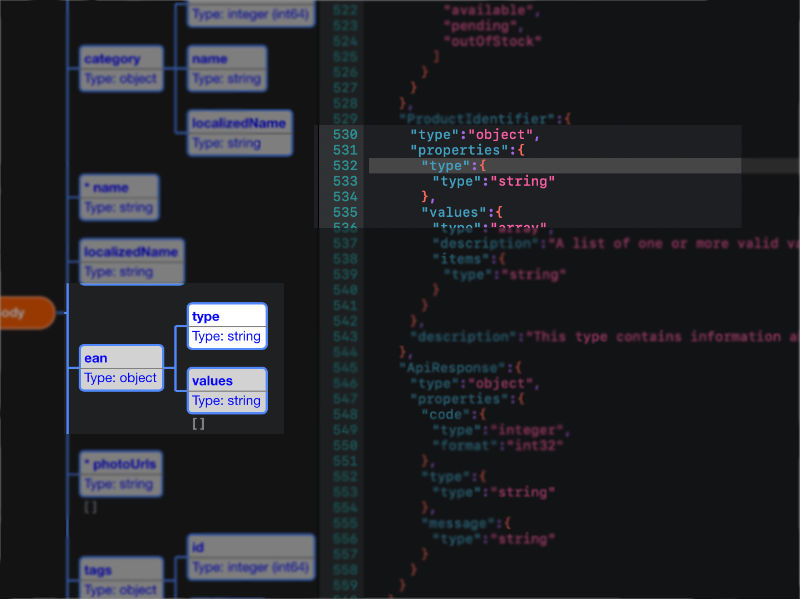
View your raw specification with full syntax highlighting. Selecting a tree node automatically scrolls the code viewer to the matching source location.
- JSON & YAML highlighting — Keys, values, and delimiters each in distinct colors
- Line numbers — Easily reference specific lines
- Source-location sync — Select a tree node, the code viewer scrolls to the matching line
- SF Mono font — Crisp, monospaced rendering
Operation Browser
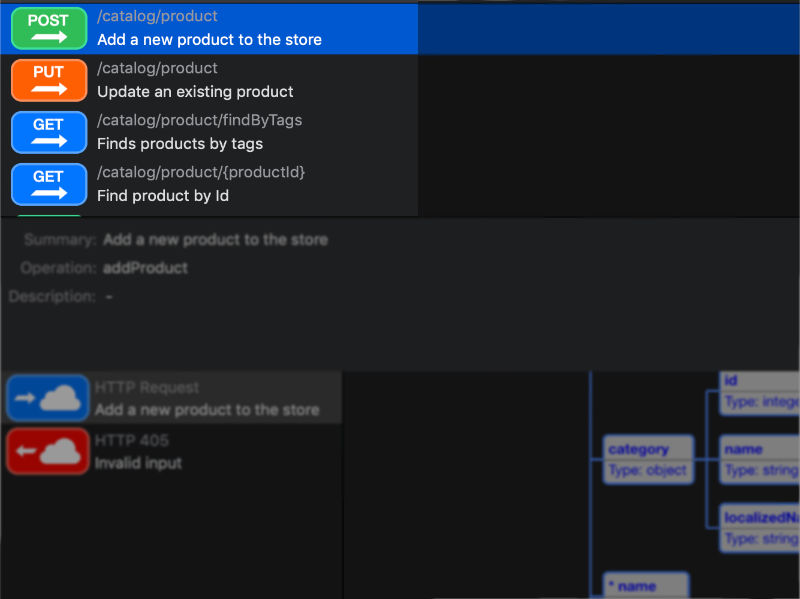
Navigate your API by operation with a structured, visual browser.
- Operation list — All operations listed with HTTP method and path
- Method icons — GET, POST, PUT, DELETE, PATCH, OPTIONS, HEAD, TRACE each have their own visual icon
- Operation details — View summary, operation ID, and description
- Response explorer — Browse request and response definitions with HTTP status code grouping
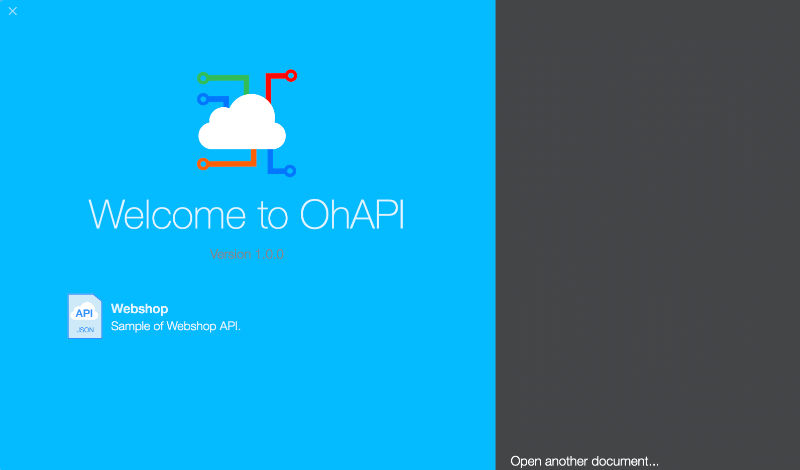
1. Open your OpenAPI specification
Open files via File > Open, drag-and-drop, or double-click from Finder. OhAPI supports both JSON and YAML formats. Two bundled sample specifications are included to get started immediately.
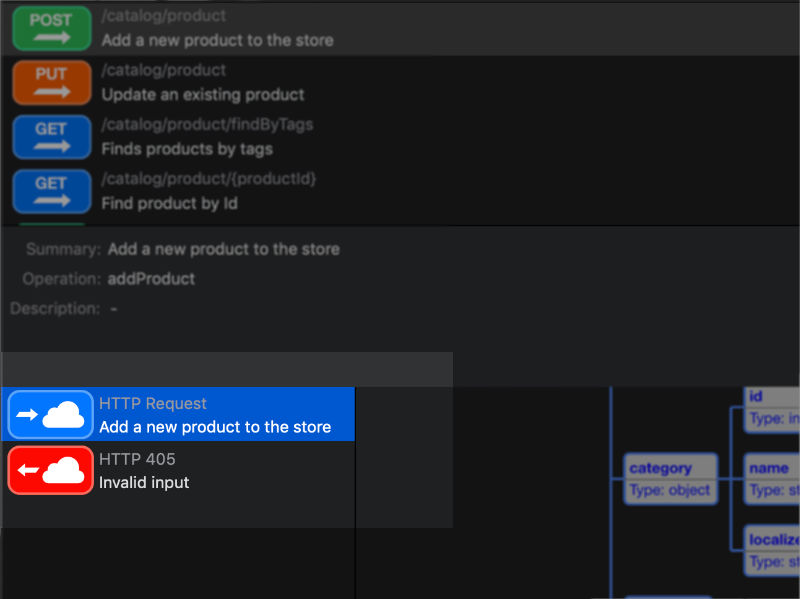
2. Select an operation
Browse and select the API operation you want to explore. View its summary, operation ID, and description. Then choose a request or response message to inspect.
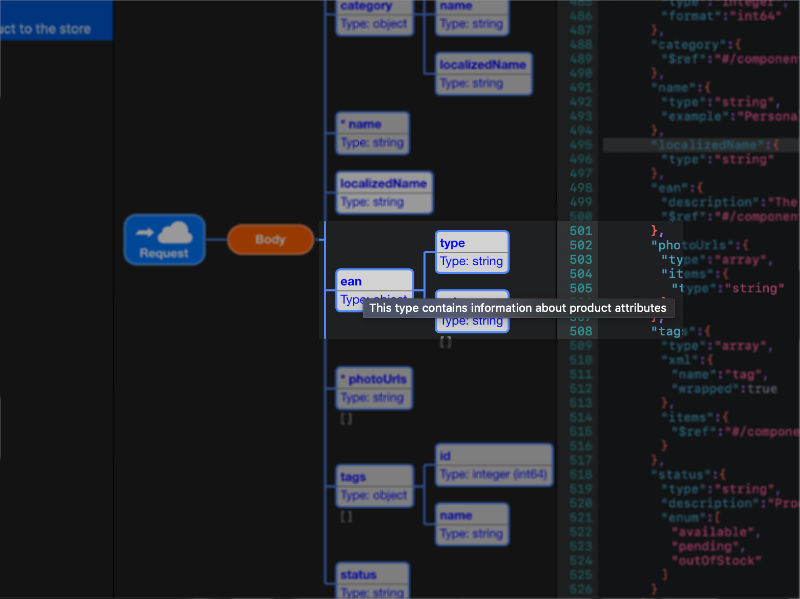
3. Explore the tree and source code
The interactive tree updates to show the message data structure. Hover over any element to see its description. Select a node to highlight its definition in the syntax-highlighted code viewer.
Tree Node Types
OhAPI renders each OpenAPI element as a distinct, color-coded visual node.
Schema
Data type definitions with type, format, and constraints.
Property
Object properties with name, type, required flag, and format.
Parameter
Query, path, header, and cookie parameters.
Reference
$ref pointers with one-click navigation to the target definition.
Composition
Schema composition through allOf (intersection), anyOf (union), or oneOf (exclusive alternatives).
Request & Response
Operation bodies with HTTP status code grouping and content type nodes.
Interface Overview
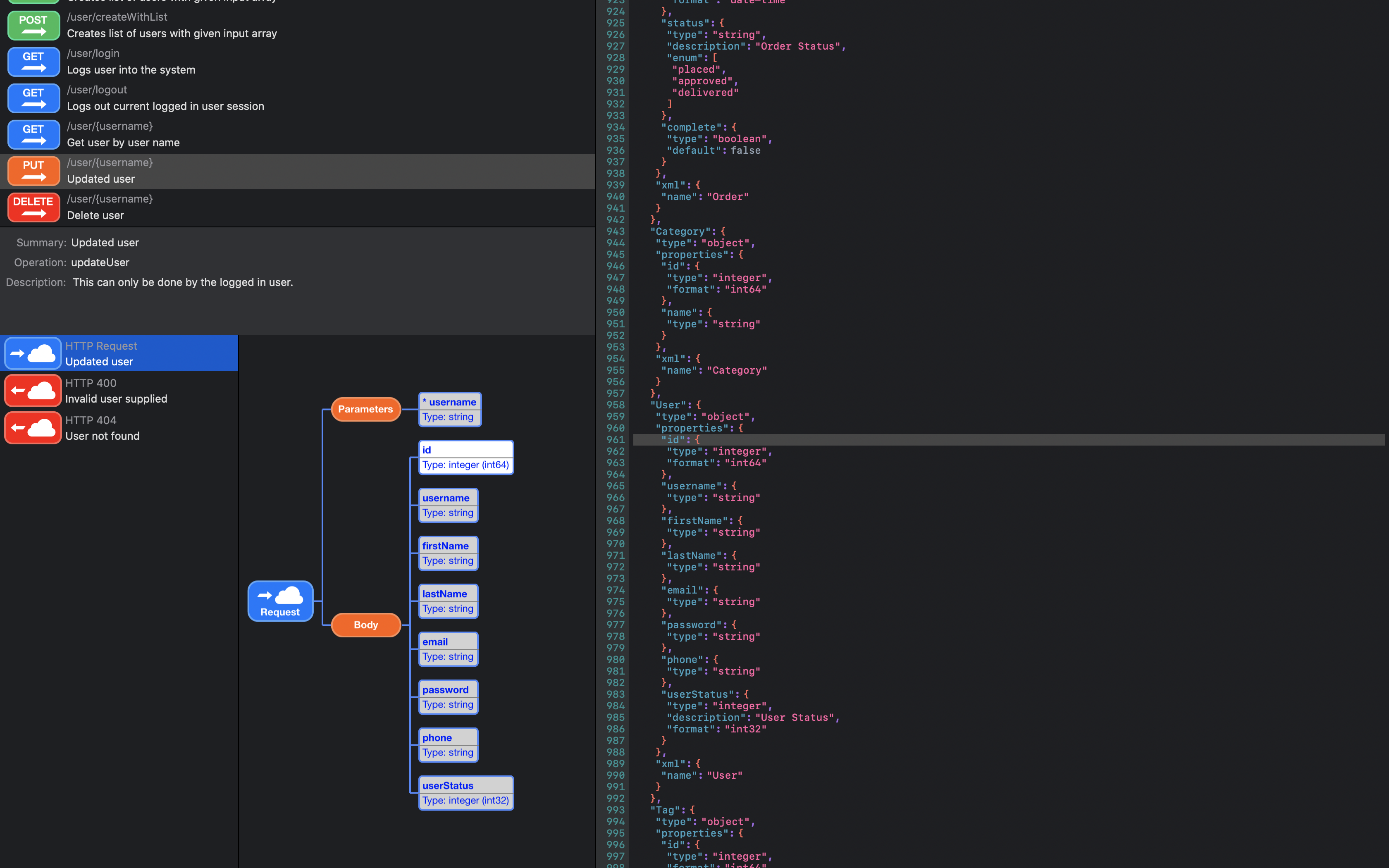
OhAPI main interface with tree visualization, code viewer, and operation browser
Theming and Appearance
OhAPI includes a theming system with customizable colors for every node type. Property, parameter, reference, content type, and error nodes each have configurable foreground, fill, and border colors.
- Supports macOS light and dark appearance modes
- Settings are persisted across sessions
Compatibility
Supported OpenAPI Versions
| Version | Status |
|---|---|
| Swagger 2.0 | Supported |
| OpenAPI 3.0.0 | Supported |
| OpenAPI 3.0.1 | Supported |
| OpenAPI 3.0.2 | Supported |
| OpenAPI 3.0.3 | Supported |
| OpenAPI 3.1.x | Supported |
Supported Formats
| Format | Extensions |
|---|---|
| JSON | .json |
| YAML | .yaml, .yml |
System Requirements
| Requirement | Minimum |
|---|---|
| Operating System | macOS 12.0 (Monterey) |
| Architecture | Intel and Apple Silicon (Universal) |
Frequently Asked Questions
Can I edit specifications with OhAPI?
No, OhAPI is a specification viewer. For editing, check out OhAPI Designer.
Does OhAPI support schema composition (allOf, oneOf, anyOf)?
Yes, OhAPI supports allOf (intersection), anyOf (union), and oneOf (exclusive alternatives) composition keywords.
Which document formats are supported?
OhAPI supports both JSON (.json) and YAML (.yaml, .yml) formats.
What is OhAPI's privacy policy?
We do not collect any personal data at all.
Which versions of OpenAPI are supported?
Swagger 2.0 and OpenAPI 3.0.0 through 3.1.x are fully supported. The version is automatically detected from the specification.
Does OhAPI handle circular references?
Yes, OhAPI includes cycle detection that gracefully handles circular $ref references, preventing infinite recursion.
Can I open multiple documents at once?
Yes, OhAPI is a standard macOS document-based application. Multiple documents can be open simultaneously in separate windows.
Does OhAPI support dark mode?
Yes, OhAPI supports both macOS light and dark appearance modes with customizable node colors.
Looking for an editor?
OhAPI Designer is a native macOS editor with context-aware completions, inline validation, and snippet templates for OpenAPI specifications.